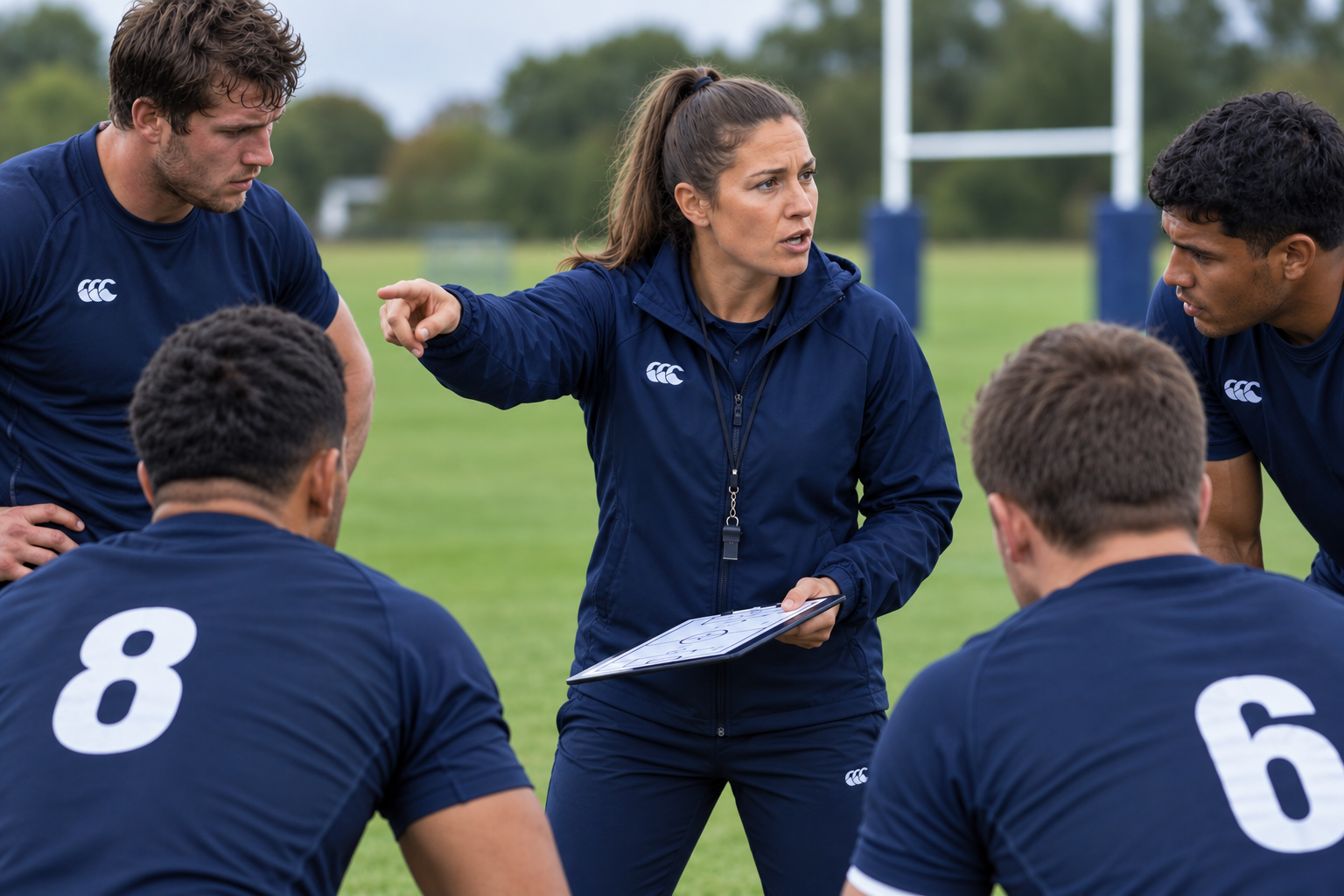
Think about how a coach works with an athlete. The athlete trains, then competes. The coach watches the match, notes what went wrong, and works out a fix for the next training session. That is a loop of training, competing, and reflecting.
Many Notion setups cover two of the three. You get a database for tasks and a grid for habits, while notes from your reading and research sit on separate pages that never feed back into either. That leaves plenty saved and little looped back.
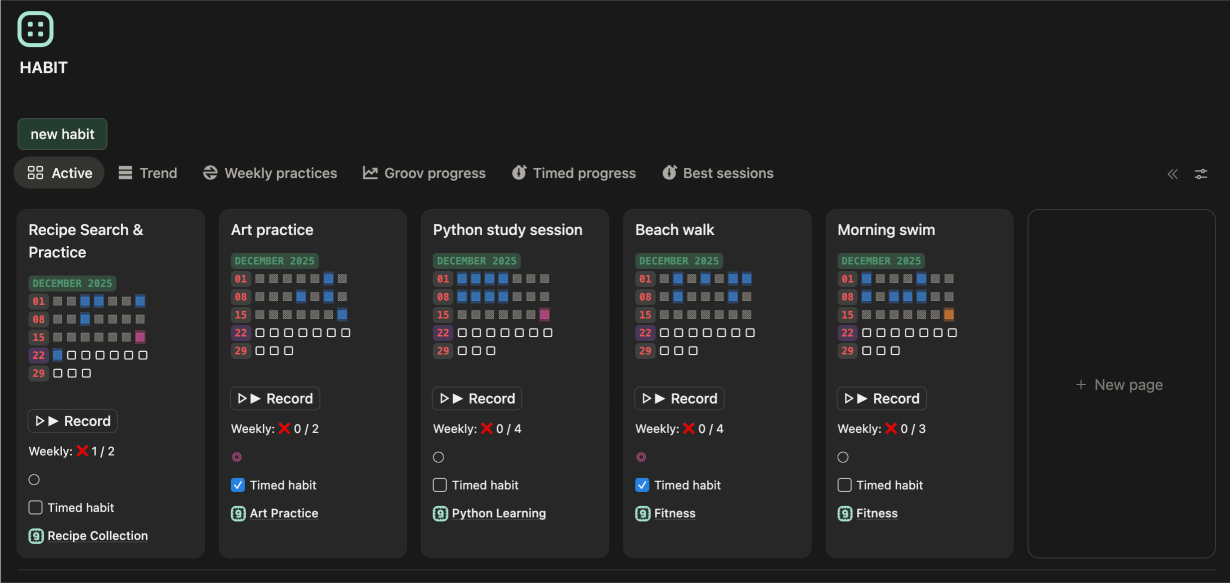
Here's how that loop looks in groovmint, the momentum-scoring productivity template for Notion. A Groov is a project or interest group you track, such as Fitness, Study, or Work. Its Groov Momentum Score builds from the Tasks, Habits, and Learnings you log. Habits are your training, Tasks are your competition, and Learnings are your coaching notes.
The coaching triangle: why execution without reflection plateaus
Building proficiency takes movement and direction. If you only track tasks, you have a record of what you finished yesterday. If you only track habits, you have a record of what you repeated, with no sign of whether it still works.
To get past a plateau, your system needs the feedback that appears during the doing. Picture a coach at a match. They spot a specific technical error, write it down, research an adjustment, and change the next practice drill to fix it. The match was a task, the note and the research were a learning, and the new drill is a habit.
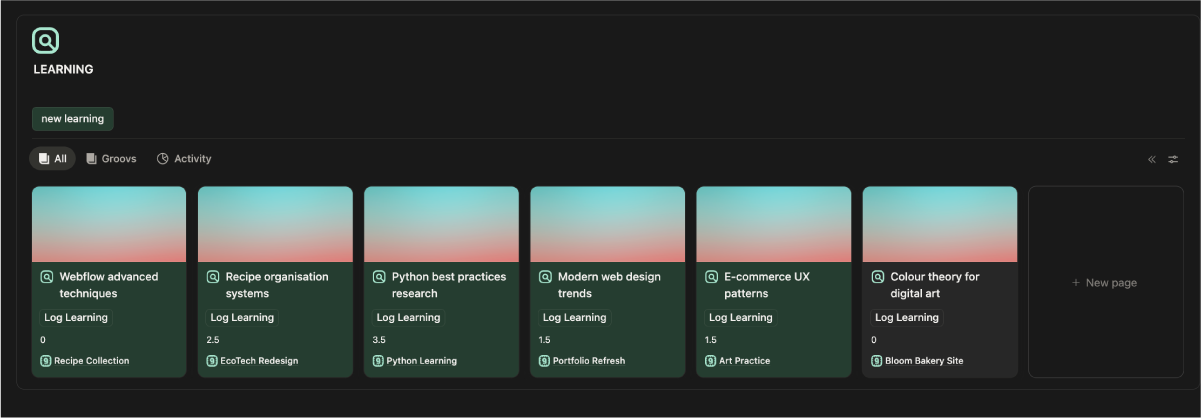
In groovmint, that middle step is the Learning. A Learning is a page for tracking research, reading, and knowledge gathering within a Groov, such as a course, a book, or a research topic. It works as a Notion learning tracker that sits in the same system as your Tasks and Habits. Each press of the Log Learning button records one log, and you decide what counts as one: 30 minutes of research, a chapter read, or a video watched. You can add notes, links, and summaries to the page, so it works as a knowledge base you return to.
Link a Learning to a related Task, and the Task's Learnings tab shows that research beside the work. This puts your research and learning notes directly into your active workspace, closing the gap between theory and action.
The growth weight: why Learnings count towards your Momentum Score
Momentum scores each part of the loop separately, and each needs a link to a Groov to count:
- Habits (training): 1.5 points for each log, the highest of the three. Consistency is the hardest thing to build and the most valuable thing to maintain.
- Tasks (competition): 1.0 point for each completed Task.
- Learnings (coaching notes): 0.5 points for each log.
Learnings earn half a point because a log is whatever you decide it is. The template doesn't measure how deep a piece of learning was, and it trusts you to decide what counts as meaningful progress. Logging a Learning counts as showing up, which fits the idea behind groovmint: proficiency over perfection.

The closed loop: how groovmint's Momentum Score and charts give you feedback
A coaching loop needs a scoreboard. The Groov Momentum Score shows how consistently you're showing up in each Groov. The Mint Score shows how you felt while you did it.
The Mint Score comes from groovmint's Insights Journal, where each entry takes a Mood, a Feeling, and an Energy level. Because journal entries don't add to Momentum, the two scores stay separate and you can compare them. We cover the insights journal in more detail in our post on why tracking habits in Notion fails without behavioural insights.
The Groovmint (Best) chart view shows your best ever Momentum day and how your wellbeing compared on it. A high Groov Momentum Score on a day with a low Mint Score tells you that you were pushing through. A low Momentum Score alongside a high Mint Score might mean you rested well, or that something else had your attention. Over time, patterns appear: which moods go with your best work, and which days of the week you are most active.
Each Groov has its own score, and Groov Health shows which Groovs are Growing, Stable, or Quiet. A Quiet Groov is information about where your attention has been, so you can decide whether to pick it up again.
One limit to know: Notion allows one chart per workspace on free plans. Free plans see the Groov Momentum chart, with table and board views in place of the other charts. The Groovmint (Best) chart view needs a paid Notion plan.
Moving from loop to implementation in your Notion productivity system
Using a cycle of training, competing, and reflecting in your daily routine gives you somewhere to put everything you learn. Building it in Notion from scratch takes some technical work, though: configuring linked databases, writing the scoring formulas, and setting up chart views that compare your output with how you felt.
It is designed as a ready-made performance loop that brings your Tasks, Habits, and Learnings together on one synchronised dashboard, with the Insights Journal alongside. The Groov Momentum Score and Mint Score are calculated for you, so your time goes into logging, reflecting, and adjusting.
We developed the groovmint dashboard to eliminate that operational friction. Designed as a pre-configured performance loop that brings your Tasks, Habits, and Learnings together on one synchronised workspace, it allows you to step away from the administrative chore of setup maintenance and focus entirely on your daily momentum. The template is available as a one-time payment of $55 USD and runs on both free and paid Notion plans. It is releasing soon, and you can subscribe for updates.
To see how each part connects, the user guide covers Learnings and Understanding your metrics.
Have a groovy day!
groovmint, groovdo and groovtrain are templates designed for Notion. Notion is a trademark of Notion Labs, Inc.