Behind the scenes of groovmint - the productivity dashboard for Notion
groovmint in one minute
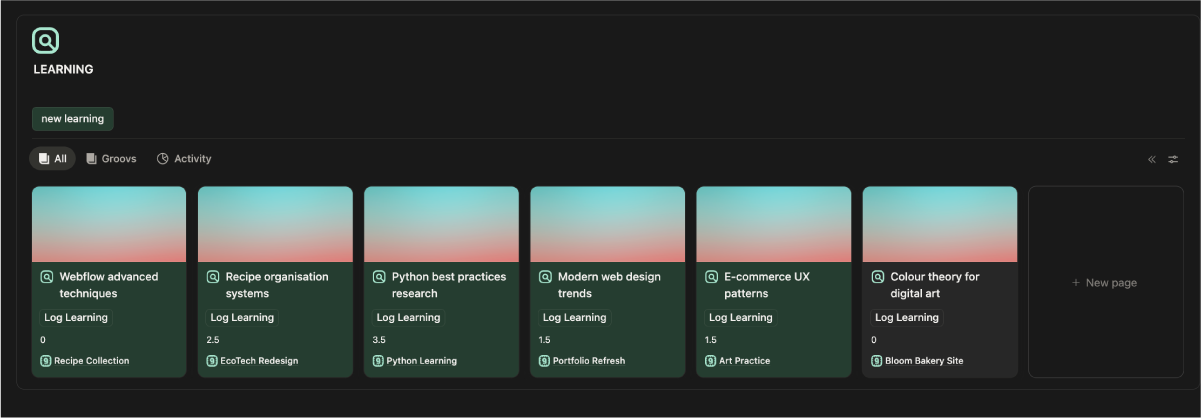
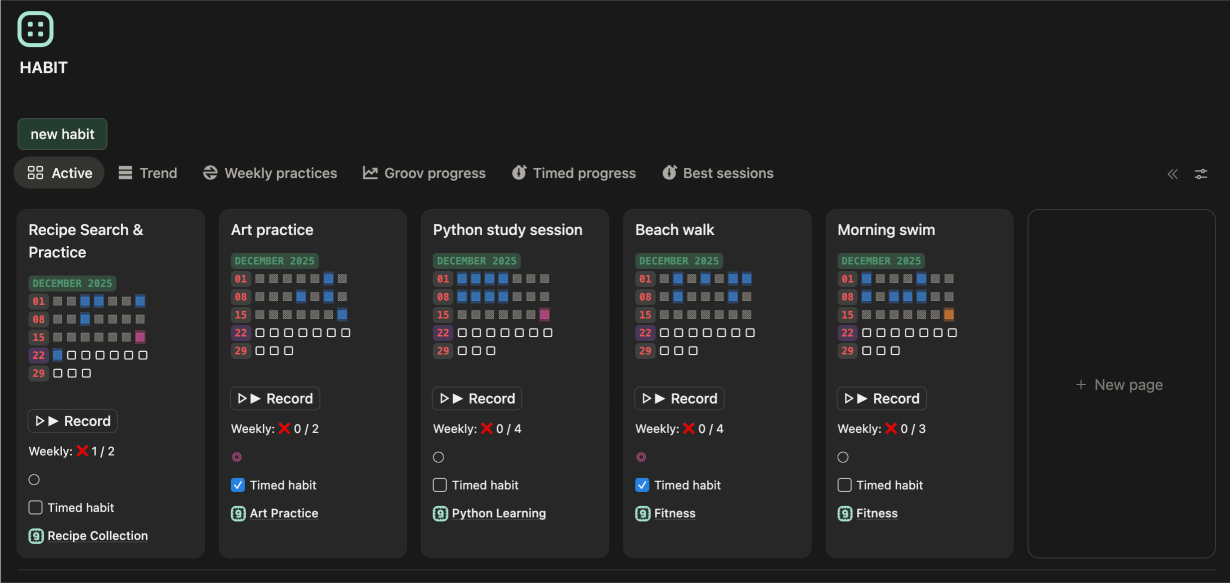
As a productivity dashboard for Notion, groovmint turns completed Tasks, logged Habits, and logged Learnings into a Momentum Score. You can see it over time for each Groov (a project, or group folder), with visual feedback on the dashboard. A Task, Habit, or Learning counts when it's linked to a Groov. An Insights Journal sits alongside the Momentum visual and tracks your wellbeing. That helps you spot patterns between your productivity and how you're feeling.
That's why recurring tasks matter to us. Momentum shows you where you've been. A good productivity system also helps you plan where you're going. So we built recurring tasks to match how people really schedule their work, while keeping an accurate record of what's done.
Beyond basic repeats: complex calendar logic for Notion
Think about a monthly meeting on the second Friday of every month. The date changes, but the rule stays the same. You want the next meeting to land on the right Friday without calculating it yourself.
Or take a report due on the last business day of the second month of each quarter. The deadline depends on where that day sits in the calendar, and whether it falls on a weekend.
Then there are invoices, rent, or subscriptions tied to a day number. If a recurring task starts on the 31st, what happens when the next month only has 30 days? The next occurrence needs to land on the 30th, so no month gets skipped.
These examples shaped groovmint's recurring task system. It has four patterns:
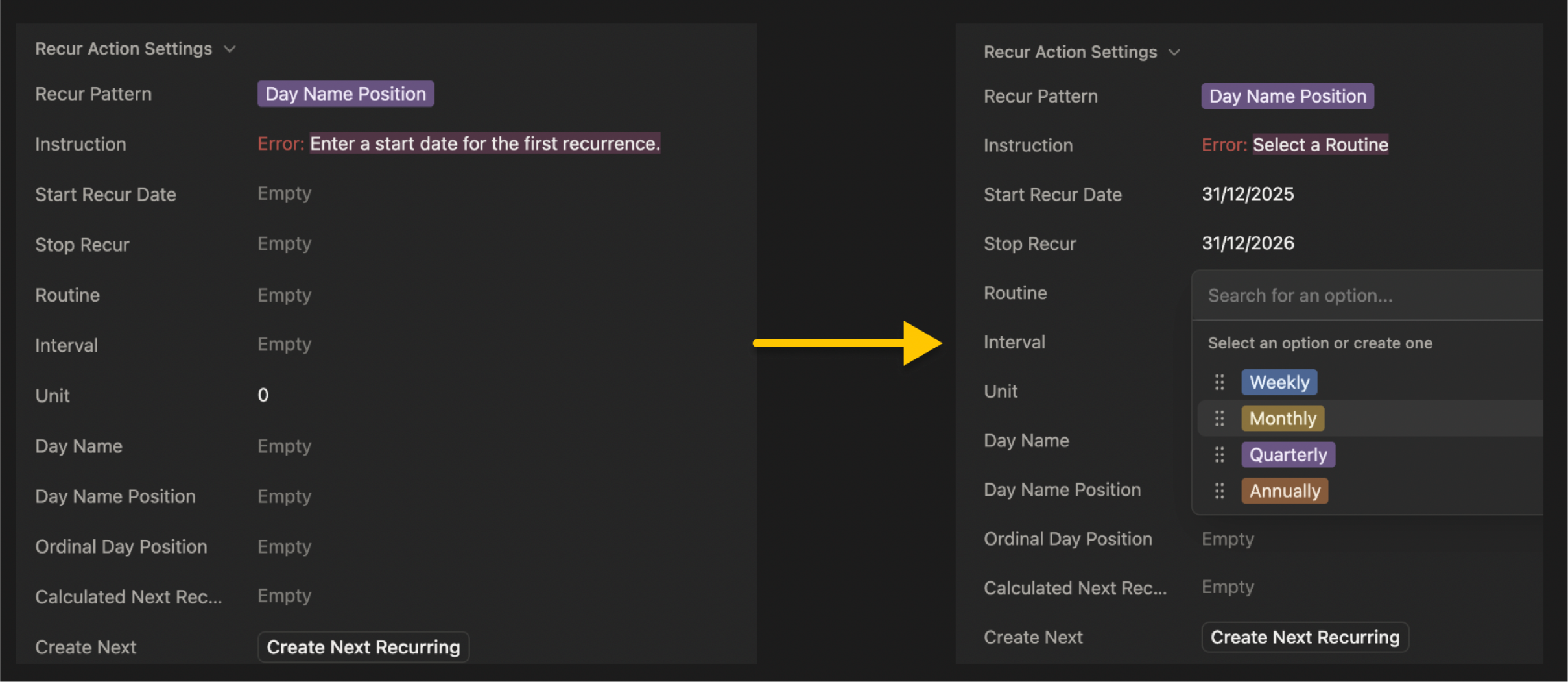
- Day Name Position schedules tasks such as the second Friday of every month, or the last Monday in a period.
- Day Position handles dates defined by their position in a period, such as the last business day of a quarter.
- Precise Days Between schedules tasks at an exact interval, such as a follow-up every 45 days.
- Same Day Number repeats tasks on a particular day number, adjusting for shorter months when necessary.
Each pattern does a different job, so you pick the one that matches the schedule you're managing.
Solving the weekend and holiday clash in Notion task management
In our own work, we kept moving repeated meetings and deadlines when they landed on weekends. So the recurring system needed to account for a business day calendar when it creates the next task.
In groovmint, the system checks for a weekend clash before a recurring task is created. If the deadline falls on a Saturday, the next date moves back to the Friday before. If it falls on a Sunday, it moves forward to the Monday after. For example, a task due on Sunday the 15th becomes due on Monday the 16th. The adjustment happens every time the next recurring task is created, so you don't have to adjust the calendar by hand.
We then realised holidays need their own handling. A weekday can still be a day your business is closed or you're on holidays. You can keep a holiday schedule in groovmint, and it shows a warning when a task deadline clashes with a listed holiday. From there, you can review the date and adjust it to suit your situation.
Forward planning: mapping future deadlines without duplicating tasks
For Momentum and the dashboard feedback to work, every completed task has to be saved, and every new recurring task has to be a new task that's linked to its parent task. Some recurring tasks only need to be created when we finish the current one. Others need to appear on our calendar well in advance, so we can plan workloads, appointments, and project deadlines.
In groovmint, we solved this in two ways:
- Press Done. groovmint creates the next recurring task with its calculated deadline.
- Plan ahead. Press the Create Next Recurring button to create the next occurrence before you complete the current task.
Creating it early doesn't result in a duplicate. groovmint checks whether the next occurrence already exists when you later press Done. Each occurrence keeps its own date and record, so your completed history stays intact while you plan future work.
The recurring task system's automation also ends if you set a Stop Recur date, so you'll never be left with unwanted tasks.
These details matter, because recurring tasks sit inside a bigger workflow. You often need to see the next few months of deadlines while still being able to look back at what you've finished.
Sustaining a comprehensive workflow requires more than just task tracking. To prevent execution plateaus, your daily schedule must turn insights into action. Our framework on how to put a Notion productivity performance loop into your daily routine breaks down how your learning metrics align with professional coaching philosophy.
Quick answers
What if I create the next task early and then press Done?
groovmint notices the next task already exists and doesn't create another.
What happens on a month that's too short?
Same Day Number uses the last day of that month, so a task that starts on the 31st lands on the 30th.
Do I need to set an recur end date?
No. Stop Recur is optional. Leave it blank and the sequence keeps going.
Which pattern should I start with?
Pick the one that matches how you'd say the schedule out loud: "the second Friday" is Day Name Position, "every 45 days" is Precise Days Between.
Which recurring schedule will you set up first?
Explore more
Explore groovmint and groovdo to learn more about the complete dashboard and standalone task component.
groovmint, groovdo and groovtrain are templates designed for Notion by Saltwater Assembly (c) Copyright 2026. Notion is a trademark of Notion Labs, Inc.